
Cloud storage storage guide
Will Cloud Storage Free Up Space on Your Phone?
Understand which capacity is full and what actually creates more space on your phone.
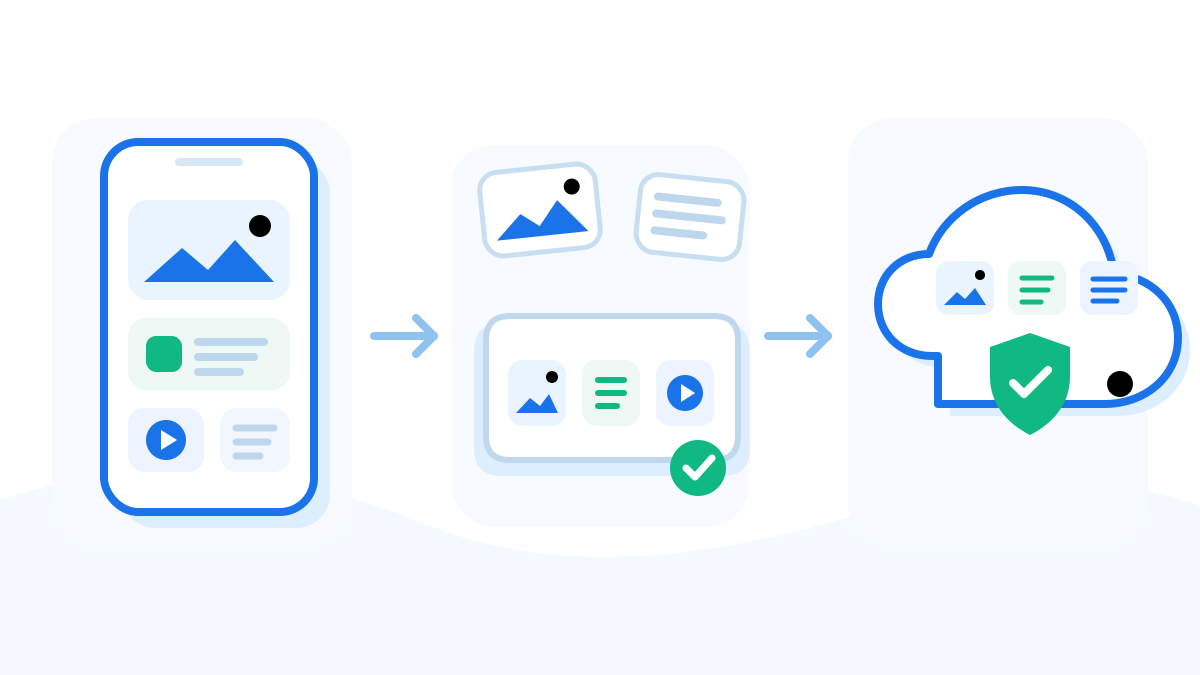
Buying cloud storage does not increase your phone’s built-in capacity. It can help you keep files elsewhere, but apps and local downloads still need device space.
Quick answer
- Phone storage: space physically available for apps, photos and downloaded files.
- Cloud storage: space in an online account. Uploading a file does not automatically remove its phone copy.
- To reclaim local space: verify the online copy, then use the correct local-removal or optimization option.
Compare the two
Need room to install an app? You must free device space. A larger cloud plan alone cannot do that.
Need to keep a large video? A verified cloud or computer copy may let you remove the local original. Check the service’s deletion behavior first.
Need files offline? Keep selected copies on the phone. Downloads from cloud apps still consume device space.
Free space safely
- Check which device category is large in Settings. Cloud is useful for files, not a direct fix for all app or system data.
- Choose only the files you want stored elsewhere and finish the upload or transfer.
- Open the destination copy and verify the account and file contents.
- Use a documented local-removal option. For iCloud Photos, use Optimize rather than deleting wanted library photos.
- Recheck device storage and confirm the saved files remain accessible.
Use the Android backup steps or iPhone backup steps for platform-specific instructions.
If both are full
Treat them as two separate limits. Cleaning the phone does not necessarily reduce cloud usage, and clearing cloud space may delete synchronized files. Identify which warning you are seeing before removing anything.
If you only need a one-time copy, a computer may be enough. If you want ongoing uploads, compare the destination capacity with your actual media size.
Check the result
Look for more available space in the phone’s Settings, not just a successful upload message. Keep in mind that a sole cloud copy is not an independent backup. Understand backup versus sync.