
Android storage guide
Android “Other” Storage Too Large? What You Can Clear
Investigate Android Other storage with targeted app and file checks instead of deleting unknown folders.
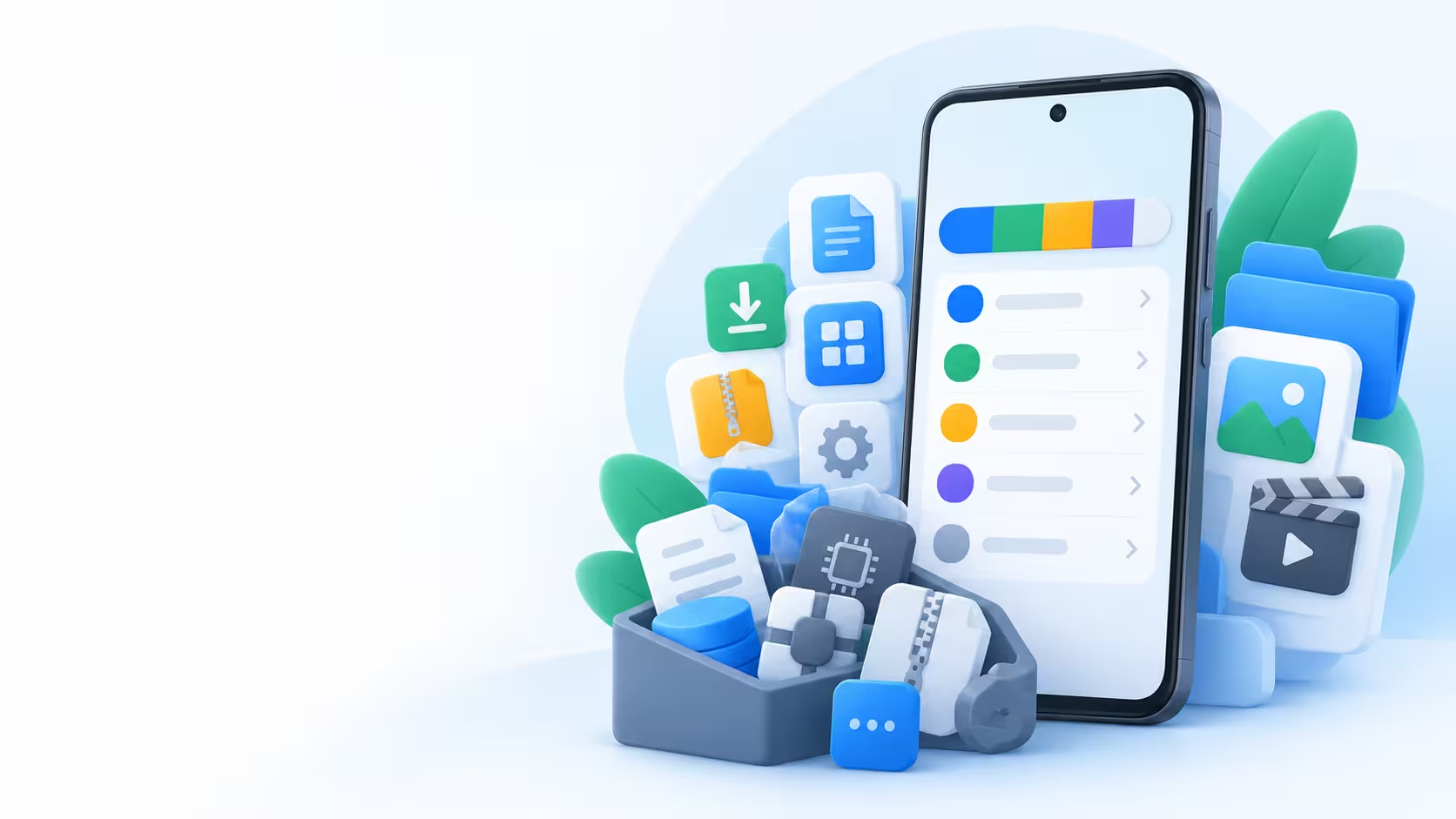
“Other” is a storage category, not one folder you should empty. Its contents and name vary across Android phones, so investigate the apps and files behind it.
Quick answer
Check Settings → Storage, then inspect the largest apps and their offline downloads. Clear only data you understand. A cloud plan or cleaner cannot automatically remove everything counted as Other.
Why this happens
- App-managed files may not fit a simple photo or video category.
- Temporary caches grow while apps are used.
- Offline maps, media and exports may be stored inside apps.
- Manufacturers group storage differently; two phones can show different labels.
What you can try before installing another app
- Note the free-space figure in Settings → Storage. Search Settings for “storage” if your phone uses a different path.
- Open Settings → Apps and inspect the largest apps’ storage details.
- Remove unwanted downloads from the app that created them: streaming apps, maps and editors are useful places to check.
- If appropriate, choose Clear cache in the app’s storage settings. Do not confuse it with Clear storage/data, which may remove saved work, settings and sign-ins.
- Let Storage update and compare the free space. A cache can rebuild during normal use.
Follow Google’s Android storage guidance for the difference between cache and data.
Manage local files

Recommended app
Files by Google
for downloads and exports
Use a large-file review for files you can preview and identify. Leave unfamiliar app and system folders untouched.
Read the Files by Google guide
Recommended app
SD Maid SE
for a more detailed review
This is optional when basic checks are insufficient. Review its scan findings and permissions before cleanup; it cannot guarantee that the entire Other category disappears.
Read the SD Maid SE guideIf the largest item is chat media, use the WhatsApp storage guide instead.
Back up personal files, not unknown folders
If your investigation finds a large wanted video or document, copy that file to a computer or an online destination and open the copy before deleting the source.
The large-file guide helps separate user files from app-managed storage.
Quick decision: still too large?
Restart the phone once and let storage figures recalculate. If the category stays unusually large and you cannot identify its contents, use your manufacturer’s support guidance for that model. Do not keep clearing app data or delete random folders to make the number smaller.
Frequently asked questions
Is all Other storage junk?
No. It can contain useful app data as well as temporary files. Its label alone does not make it safe to remove.
Why did clearing cache only help briefly?
Apps create caches again as you use them. Review large offline downloads or personal files if you need a more lasting change.
Should I factory-reset the phone?
Not as a routine first step. A reset is disruptive and requires a verified restore plan. Seek device-specific support if safe checks have not explained the problem.